- Schema changes through , , , and .
- .
- Enterprise and .
- created for use by the .
- .
- .
By default, jobs are deleted every 14 days. You can change this interval using the
jobs.retention_time .The Jobs list is designed for you to manage pending work. It is not intended to display the canonical record of all jobs that have run. If you need a historical record of all jobs you have run, you should log this information externally.Jobs table
Use the Jobs table to see recently created and completed jobs.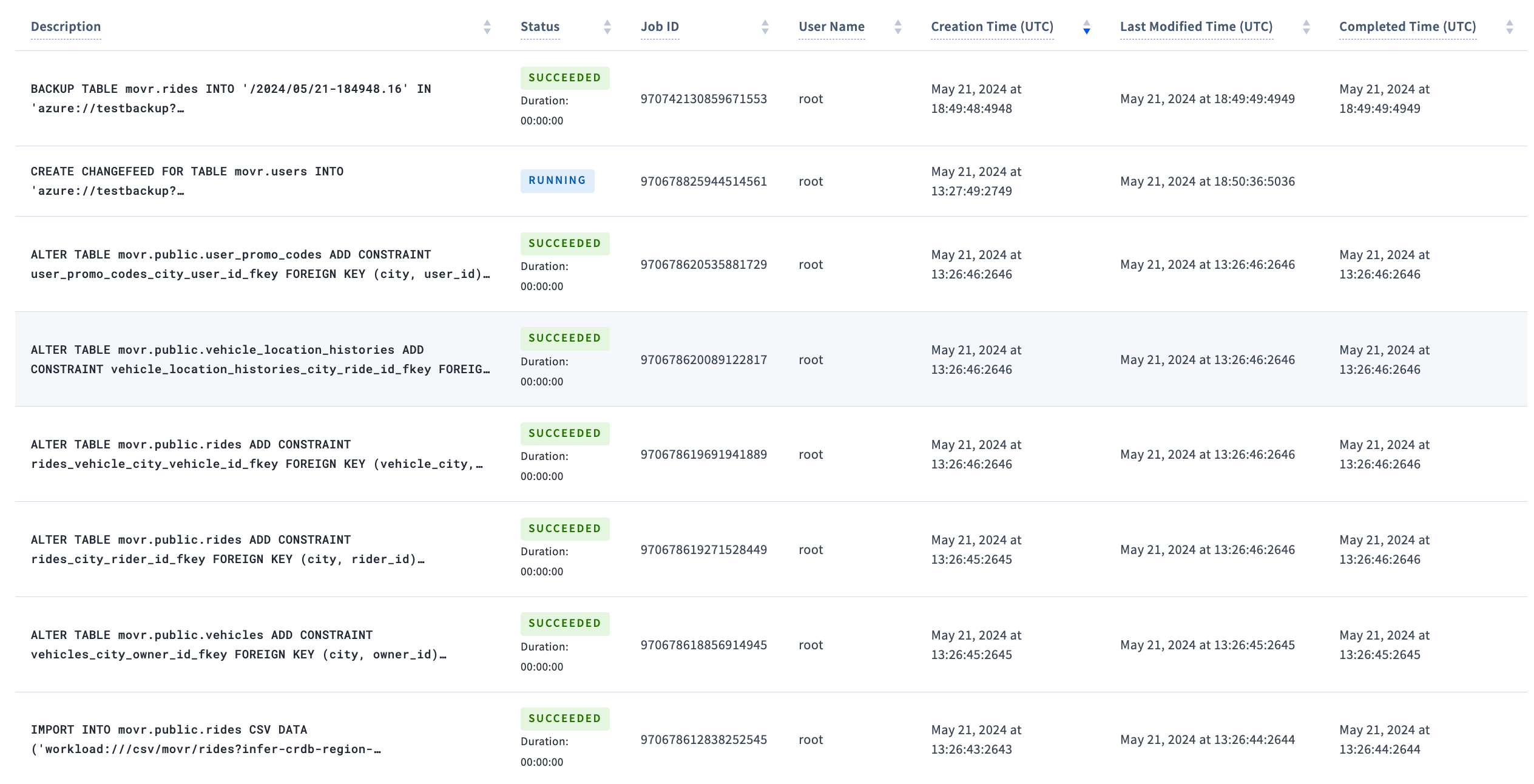
Filter jobs
Use the controls to filter jobs:- Status: filter jobs by job status.
- Type: filter jobs by type. jobs are not displayed even when the Type menu is set to All. To view these jobs, set Type to Auto-Statistics Creation.
- Show: toggle between showing the latest 50 jobs or all jobs.
now - the duration of the jobs.retention_time , set to 28 days by default.
The table is paginated with 20 jobs per page. Click the page controls following the table to traverse pages.
The following columns are available for each job. Click Columns to select the columns to display in the table.
To view job details, click the job description.
Job status
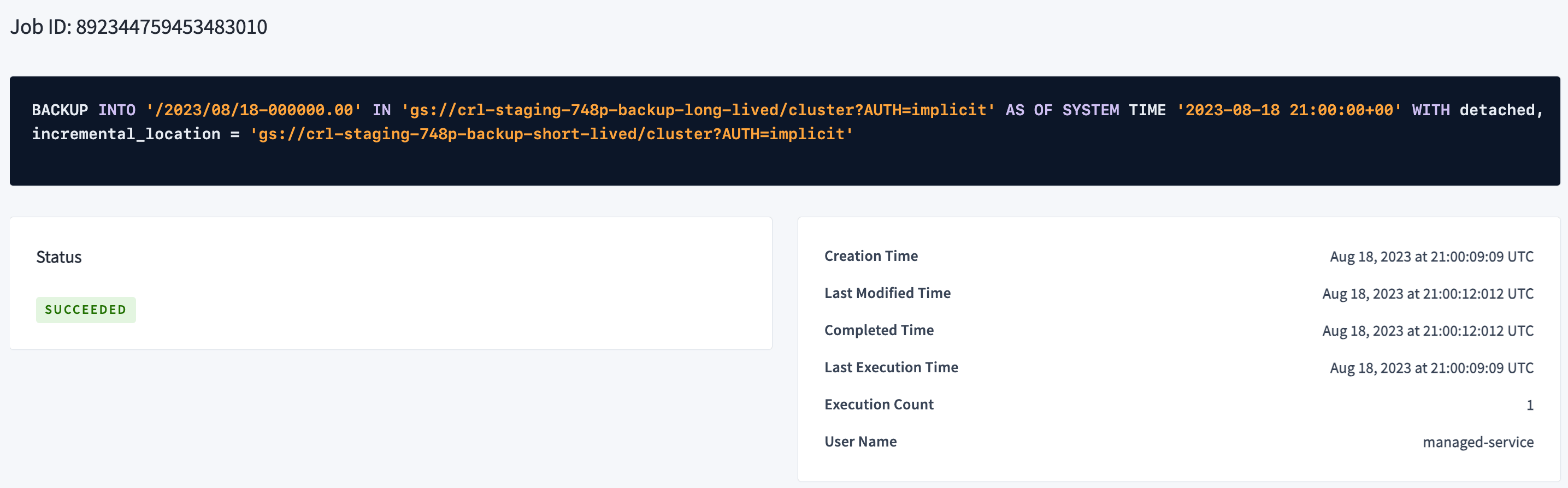
Job details
The details show:- Job ID
- Status
- Creation Time
- Last Modified Time
- Completed Time
- Last Execution Time
- Execution Count
- User Name
- error messages (if any)